Buy bild24.eu ?
We are moving the project
bild24.eu .
Are you interested in purchasing the domain
bild24.eu ?
domain@kv-gmbh.de · 0541-91531010
Buy bild24.eu ?
How does Dual-Boot work?
Dual-booting is a process that allows a user to have two operating systems installed on their computer and choose which one to use when the computer is turned on. During the boot process, the user is typically presented with a menu that allows them to select between the different operating systems. Each operating system is installed on a separate partition of the hard drive, and the user can switch between them as needed. Dual-booting is commonly used to run multiple operating systems on a single computer, such as having both Windows and Linux installed. **
Who knows the tool Dual Boot Repair?
Dual Boot Repair is a tool known by individuals who have experience with managing and troubleshooting dual boot systems, particularly those using Windows and Linux operating systems. This tool is designed to help users fix issues related to dual boot configurations, such as repairing the boot menu and resolving booting problems. Users who have encountered challenges with their dual boot setup may be familiar with Dual Boot Repair as a helpful resource for resolving these issues. **

Similar search terms for Dual-boot
Top-Angebote
Products related to Dual-boot:
-
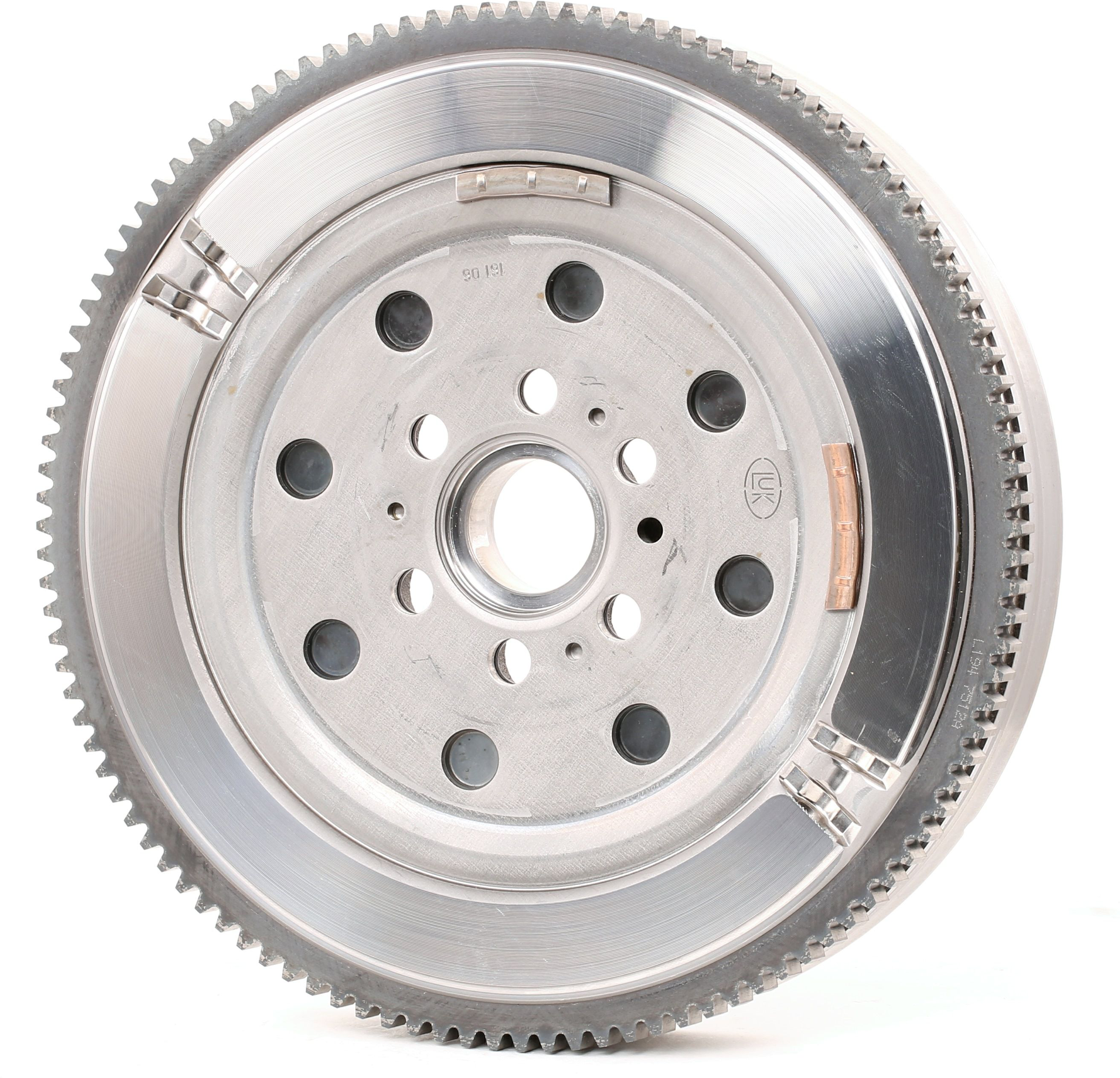
BLUE PRINT ADB113506 Dual mass flywheelHub Inner Diameter [mm]: 37; Hub mounting bore diameter [mm]: 12,8; Hub Outer Diameter [mm]: 89; Pitch Circle Diameter, hub [mm]: 72; Number of mounting bores on the hub: 8; Pitch Circle Diameter, clutch pressure plate [mm]: 260; Inner Diameter Tread [mm]: 150; Clutch Pressure Plate Outer Diameter [mm]: 244; Number of mounting bores on the clutch pressure plate: 6; Number of Teeth: 113; Observe service information: ; TecDoc Engine Number: 27472, 24405; Engine Code: M47N2, M47N382,99 £*Shipping: 1,99 £Secure redirect to the provider
-
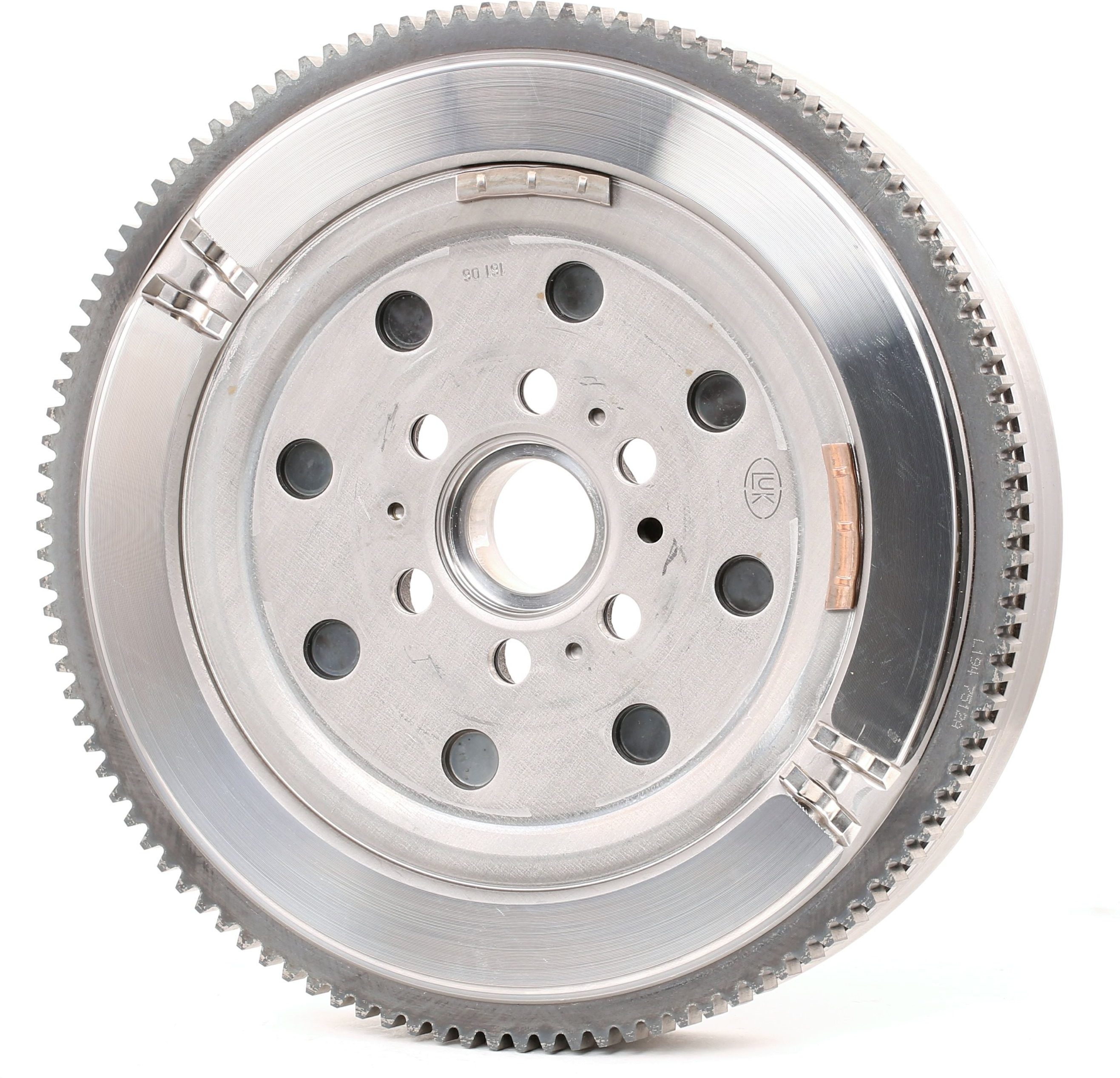
BLUE PRINT ADP153501 Dual mass flywheelHub Inner Diameter [mm]: 36,4; Thickness: 72; Outer Diameter [mm]: 296; Number of EDC bores/notches: 58; Hub mounting bore diameter [mm]: 11,3; Hub Outer Diameter [mm]: 56,05; Pitch Circle Diameter, hub [mm]: 88; Number of mounting bores on the hub: 8; Pitch Circle Diameter, clutch pressure plate [mm]: 278; Inner Diameter Tread [mm]: 158,3; Clutch Pressure Plate Outer Diameter [mm]: 261; Number of mounting bores on the clutch pressure plate: 6; Number of Teeth: 114; Observe service information: ; Construction Year to: 01/2011366,99 £*Shipping: 1,99 £Secure redirect to the provider
-
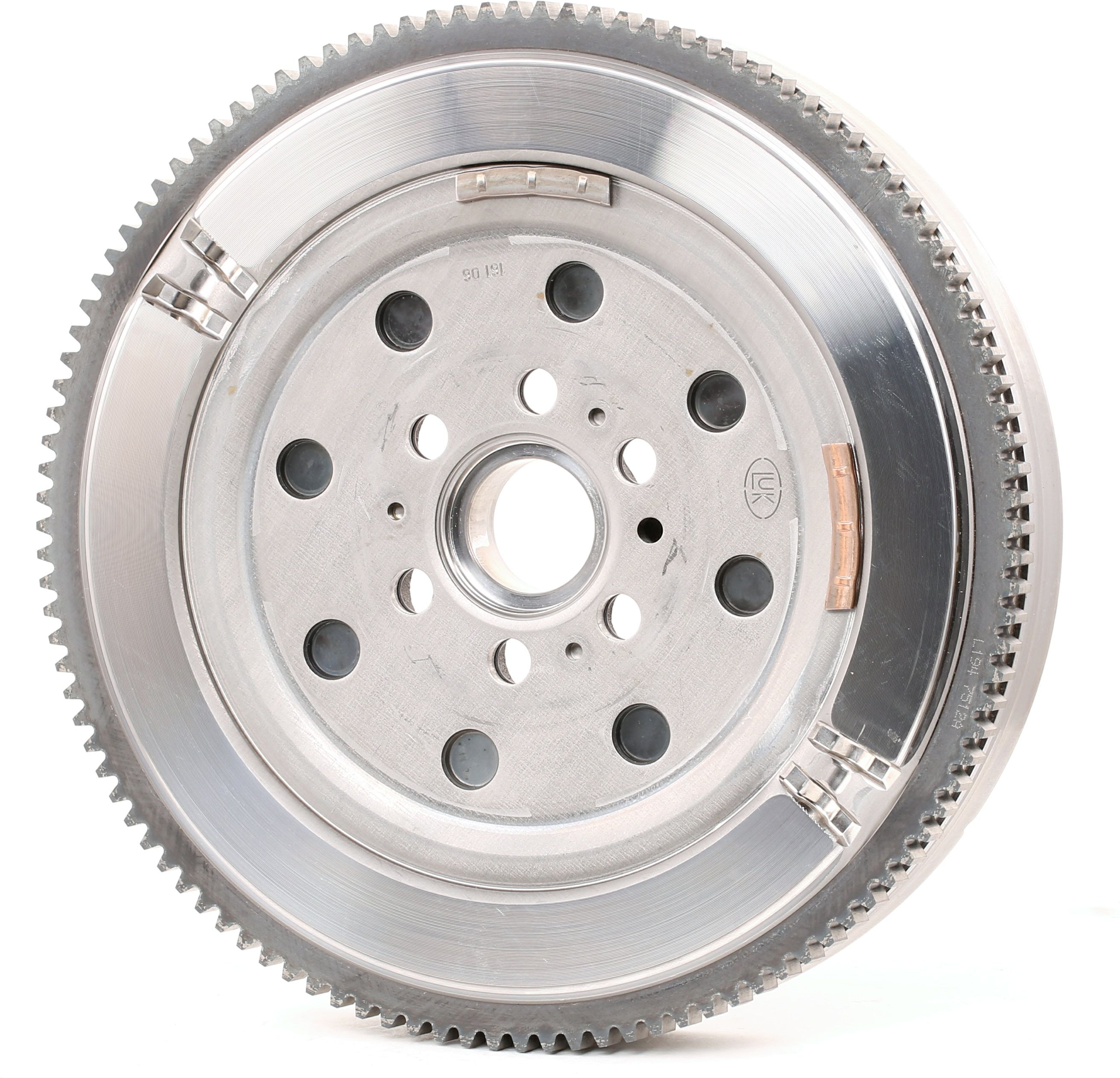
BLUE PRINT ADP153503 Dual mass flywheelHub Inner Diameter [mm]: 34,4; Hub mounting bore diameter [mm]: 9,6; Hub Outer Diameter [mm]: 47; Pitch Circle Diameter, hub [mm]: 73; Number of mounting bores on the hub: 6; Pitch Circle Diameter, clutch pressure plate [mm]: 254; Inner Diameter Tread [mm]: 145,2; Clutch Pressure Plate Outer Diameter [mm]: 239; Number of mounting bores on the clutch pressure plate: 6; Number of Teeth: 134; for OE number: 0532.X8; Observe service information: ; for RPO number up to: 10933, 10929, 10909, 10842; Catalytic Converter Type: for vehicles with soot particulate filter; Transmission ID: BVM, BVM6; TecDoc Engine Number: 19912, 17507330,99 £*Shipping: 1,99 £Secure redirect to the provider
-
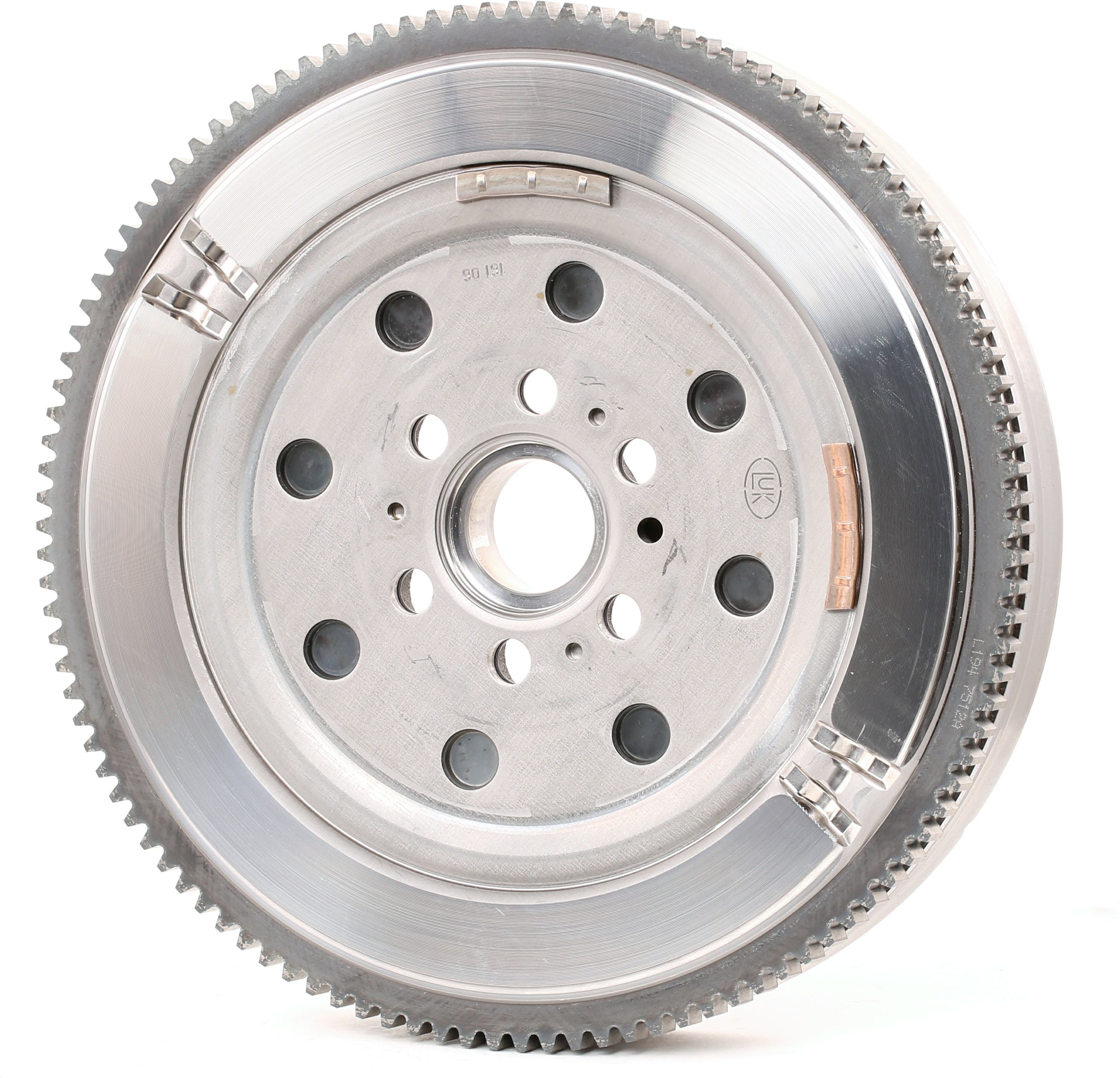
BLUE PRINT ADW193503 Dual mass flywheelHub Inner Diameter [mm]: 32; Number of EDC bores/notches: 58; Hub mounting bore diameter [mm]: 9; Hub Outer Diameter [mm]: 111; Pitch Circle Diameter, hub [mm]: 63; Number of mounting bores on the hub: 8; Pitch Circle Diameter, clutch pressure plate [mm]: 231; Inner Diameter Tread [mm]: 141; Clutch Pressure Plate Outer Diameter [mm]: 231; Number of mounting bores on the clutch pressure plate: 9; Number of Teeth: 118; Supplementary Article / Supplementary Info: with pressure plate screws; Observe service information: ; TecDoc Engine Number: 18989, 19348; Engine Number to: 2494873; Transmission Type: Semi-automatic, Manual Transmission; Vehicle Identification Number (VIN) to: *******S005*00000, S005*00000; Engine Code: Z13DTJ422,99 £*Shipping: 1,99 £Secure redirect to the provider



-
How can I change the boot order in a dual-boot system?
To change the boot order in a dual-boot system, you can typically access the BIOS or UEFI settings by pressing a specific key during the startup process (common keys include F2, F12, Del). Once in the BIOS/UEFI settings, look for the boot order or boot priority option. You can then rearrange the order of the boot devices to prioritize the operating system you want to boot into first. Save the changes and exit the BIOS/UEFI settings to apply the new boot order. **
-
Is a dual boot on the PC useful?
A dual boot on a PC can be useful for individuals who need to use different operating systems for specific tasks or software. It allows users to switch between different operating systems without the need for separate devices. However, setting up a dual boot can be complex and may require technical knowledge to avoid potential issues such as data loss or system instability. Ultimately, the usefulness of a dual boot depends on the specific needs and preferences of the user. **
-
How can I reinstall Ubuntu in dual boot?
To reinstall Ubuntu in dual boot, you can follow these steps: 1. Boot into your existing Ubuntu installation. 2. Use the installation media (USB or DVD) to boot into the Ubuntu installer. 3. During the installation process, choose the option to install Ubuntu alongside your existing operating system. 4. Follow the on-screen instructions to complete the installation process, making sure to select the correct partition for Ubuntu. 5. Once the installation is complete, reboot your system and you should see the GRUB menu allowing you to choose between Ubuntu and your other operating system. **
-
Can I configure a server for dual boot?
Yes, you can configure a server for dual booting, just like you would with a regular computer. However, it is important to note that dual booting a server may not be recommended for production environments as it can introduce complexity and potential stability issues. It is generally recommended to use virtualization or containerization technologies to run multiple operating systems on a server instead of dual booting. **
What is better: Dual-boot or virtual machine?
The choice between dual-boot and virtual machine depends on individual needs and preferences. Dual-booting allows for better performance and access to full hardware resources, but it requires rebooting the system to switch between operating systems. On the other hand, virtual machines provide convenience and flexibility by allowing both operating systems to run simultaneously, but they may have slightly reduced performance due to resource sharing. Ultimately, the decision should be based on the specific use case and the trade-offs between performance and convenience. **
How can one encrypt a dual-boot installation?
To encrypt a dual-boot installation, you can use a tool like VeraCrypt to create an encrypted container or partition for each operating system. First, you would need to install VeraCrypt on both operating systems and create an encrypted container or partition for each one. Then, during the boot process, you would be prompted to enter the encryption password for the operating system you want to access. This way, both operating systems are encrypted and can only be accessed with the correct password, providing an extra layer of security for your dual-boot setup. **
Top-Angebote
Products related to Dual-boot:
-
Daily Deals Depot Dual Sided Shoe & Boot Cleaning Brush For Suede, Nubuck & Leather orangeBring your favorite footwear back to life with ease. This suede cleaning brush is designed to gently lift away dust, dirt, and surface stains while helping restore the natural texture of suede and nubuck materials. Perfect for anyone who wants their...43,97 $*Shipping: 0,00 $Secure redirect to the provider
-
BLUE PRINT ADBP350012 Dual mass flywheelHub Inner Diameter [mm]: 42,03; Hub mounting bore diameter [mm]: 12,8; Hub Outer Diameter [mm]: 96; Pitch Circle Diameter, hub [mm]: 72; Number of mounting bores on the hub: 8; Pitch Circle Diameter, clutch pressure plate [mm]: 260; Inner Diameter Tread [mm]: 154; Clutch Pressure Plate Outer Diameter [mm]: 244; Number of mounting bores on the clutch pressure plate: 6; Number of Teeth: 122; Observe service information: ; Vehicle Identification Number (VIN): WBAFW11**********, WBAFW12**********, WBAFW16**********, WBAFW18**********, ***PP31**********, ***UY31**********, ***KH31**********; TecDoc Engine Number: 24405, 26347, 19922794,99 £*Shipping: 1,99 £Secure redirect to the provider
-
BLUE PRINT ADB113506 Dual mass flywheelHub Inner Diameter [mm]: 37; Hub mounting bore diameter [mm]: 12,8; Hub Outer Diameter [mm]: 89; Pitch Circle Diameter, hub [mm]: 72; Number of mounting bores on the hub: 8; Pitch Circle Diameter, clutch pressure plate [mm]: 260; Inner Diameter Tread [mm]: 150; Clutch Pressure Plate Outer Diameter [mm]: 244; Number of mounting bores on the clutch pressure plate: 6; Number of Teeth: 113; Observe service information: ; TecDoc Engine Number: 27472, 24405; Engine Code: M47N2, M47N382,99 £*Shipping: 1,99 £Secure redirect to the provider
-
BLUE PRINT ADP153501 Dual mass flywheelHub Inner Diameter [mm]: 36,4; Thickness: 72; Outer Diameter [mm]: 296; Number of EDC bores/notches: 58; Hub mounting bore diameter [mm]: 11,3; Hub Outer Diameter [mm]: 56,05; Pitch Circle Diameter, hub [mm]: 88; Number of mounting bores on the hub: 8; Pitch Circle Diameter, clutch pressure plate [mm]: 278; Inner Diameter Tread [mm]: 158,3; Clutch Pressure Plate Outer Diameter [mm]: 261; Number of mounting bores on the clutch pressure plate: 6; Number of Teeth: 114; Observe service information: ; Construction Year to: 01/2011366,99 £*Shipping: 1,99 £Secure redirect to the provider
-
How does Dual-Boot work?
Dual-booting is a process that allows a user to have two operating systems installed on their computer and choose which one to use when the computer is turned on. During the boot process, the user is typically presented with a menu that allows them to select between the different operating systems. Each operating system is installed on a separate partition of the hard drive, and the user can switch between them as needed. Dual-booting is commonly used to run multiple operating systems on a single computer, such as having both Windows and Linux installed. **
-
Who knows the tool Dual Boot Repair?
Dual Boot Repair is a tool known by individuals who have experience with managing and troubleshooting dual boot systems, particularly those using Windows and Linux operating systems. This tool is designed to help users fix issues related to dual boot configurations, such as repairing the boot menu and resolving booting problems. Users who have encountered challenges with their dual boot setup may be familiar with Dual Boot Repair as a helpful resource for resolving these issues. **
-
How can I change the boot order in a dual-boot system?
To change the boot order in a dual-boot system, you can typically access the BIOS or UEFI settings by pressing a specific key during the startup process (common keys include F2, F12, Del). Once in the BIOS/UEFI settings, look for the boot order or boot priority option. You can then rearrange the order of the boot devices to prioritize the operating system you want to boot into first. Save the changes and exit the BIOS/UEFI settings to apply the new boot order. **
-
Is a dual boot on the PC useful?
A dual boot on a PC can be useful for individuals who need to use different operating systems for specific tasks or software. It allows users to switch between different operating systems without the need for separate devices. However, setting up a dual boot can be complex and may require technical knowledge to avoid potential issues such as data loss or system instability. Ultimately, the usefulness of a dual boot depends on the specific needs and preferences of the user. **
Similar search terms for Dual-boot
-
BLUE PRINT ADP153503 Dual mass flywheelHub Inner Diameter [mm]: 34,4; Hub mounting bore diameter [mm]: 9,6; Hub Outer Diameter [mm]: 47; Pitch Circle Diameter, hub [mm]: 73; Number of mounting bores on the hub: 6; Pitch Circle Diameter, clutch pressure plate [mm]: 254; Inner Diameter Tread [mm]: 145,2; Clutch Pressure Plate Outer Diameter [mm]: 239; Number of mounting bores on the clutch pressure plate: 6; Number of Teeth: 134; for OE number: 0532.X8; Observe service information: ; for RPO number up to: 10933, 10929, 10909, 10842; Catalytic Converter Type: for vehicles with soot particulate filter; Transmission ID: BVM, BVM6; TecDoc Engine Number: 19912, 17507330,99 £*Shipping: 1,99 £Secure redirect to the provider
-
BLUE PRINT ADW193503 Dual mass flywheelHub Inner Diameter [mm]: 32; Number of EDC bores/notches: 58; Hub mounting bore diameter [mm]: 9; Hub Outer Diameter [mm]: 111; Pitch Circle Diameter, hub [mm]: 63; Number of mounting bores on the hub: 8; Pitch Circle Diameter, clutch pressure plate [mm]: 231; Inner Diameter Tread [mm]: 141; Clutch Pressure Plate Outer Diameter [mm]: 231; Number of mounting bores on the clutch pressure plate: 9; Number of Teeth: 118; Supplementary Article / Supplementary Info: with pressure plate screws; Observe service information: ; TecDoc Engine Number: 18989, 19348; Engine Number to: 2494873; Transmission Type: Semi-automatic, Manual Transmission; Vehicle Identification Number (VIN) to: *******S005*00000, S005*00000; Engine Code: Z13DTJ422,99 £*Shipping: 1,99 £Secure redirect to the provider
-
BLUE PRINT ADBP350001 Dual mass flywheelHub Inner Diameter [mm]: 33,35; Hub mounting bore diameter [mm]: 9,50; Hub Outer Diameter [mm]: 88; Pitch Circle Diameter, hub [mm]: 66; Number of mounting bores on the hub: 6; Pitch Circle Diameter, clutch pressure plate [mm]: 254; Inner Diameter Tread [mm]: 142,10; Clutch Pressure Plate Outer Diameter [mm]: 240; Number of mounting bores on the clutch pressure plate: 6; Number of Teeth: 132; Observe service information:245,99 £*Shipping: 1,99 £Secure redirect to the provider
-
BLUE PRINT ADBP350005 Dual mass flywheelHub Inner Diameter [mm]: 30; Number of EDC bores/notches: 58; Hub mounting bore diameter [mm]: 10,5; Hub Outer Diameter [mm]: 116; Pitch Circle Diameter, hub [mm]: 86; Number of mounting bores on the hub: 8; Pitch Circle Diameter, clutch pressure plate [mm]: 298; Inner Diameter Tread [mm]: 162; Clutch Pressure Plate Outer Diameter [mm]: 307; Number of mounting bores on the clutch pressure plate: 6; Number of Teeth: 116; Observe service information: ; Construction Year to: 01/2017; Transmission ID: MT82; Transmission Type: Manual Transmission; TecDoc Engine Number: 29668, 29669, 29667350,99 £*Shipping: 1,99 £Secure redirect to the provider
-
How can I reinstall Ubuntu in dual boot?
To reinstall Ubuntu in dual boot, you can follow these steps: 1. Boot into your existing Ubuntu installation. 2. Use the installation media (USB or DVD) to boot into the Ubuntu installer. 3. During the installation process, choose the option to install Ubuntu alongside your existing operating system. 4. Follow the on-screen instructions to complete the installation process, making sure to select the correct partition for Ubuntu. 5. Once the installation is complete, reboot your system and you should see the GRUB menu allowing you to choose between Ubuntu and your other operating system. **
-
Can I configure a server for dual boot?
Yes, you can configure a server for dual booting, just like you would with a regular computer. However, it is important to note that dual booting a server may not be recommended for production environments as it can introduce complexity and potential stability issues. It is generally recommended to use virtualization or containerization technologies to run multiple operating systems on a server instead of dual booting. **
-
What is better: Dual-boot or virtual machine?
The choice between dual-boot and virtual machine depends on individual needs and preferences. Dual-booting allows for better performance and access to full hardware resources, but it requires rebooting the system to switch between operating systems. On the other hand, virtual machines provide convenience and flexibility by allowing both operating systems to run simultaneously, but they may have slightly reduced performance due to resource sharing. Ultimately, the decision should be based on the specific use case and the trade-offs between performance and convenience. **
-
How can one encrypt a dual-boot installation?
To encrypt a dual-boot installation, you can use a tool like VeraCrypt to create an encrypted container or partition for each operating system. First, you would need to install VeraCrypt on both operating systems and create an encrypted container or partition for each one. Then, during the boot process, you would be prompted to enter the encryption password for the operating system you want to access. This way, both operating systems are encrypted and can only be accessed with the correct password, providing an extra layer of security for your dual-boot setup. **
* All prices are inclusive of VAT and, if applicable, plus shipping costs. The offer information is based on the details provided by the respective shop and is updated through automated processes. Real-time updates do not occur, so deviations can occur in individual cases. ** Note: Parts of this content were created by AI.